 Wavex
WavexWater eject
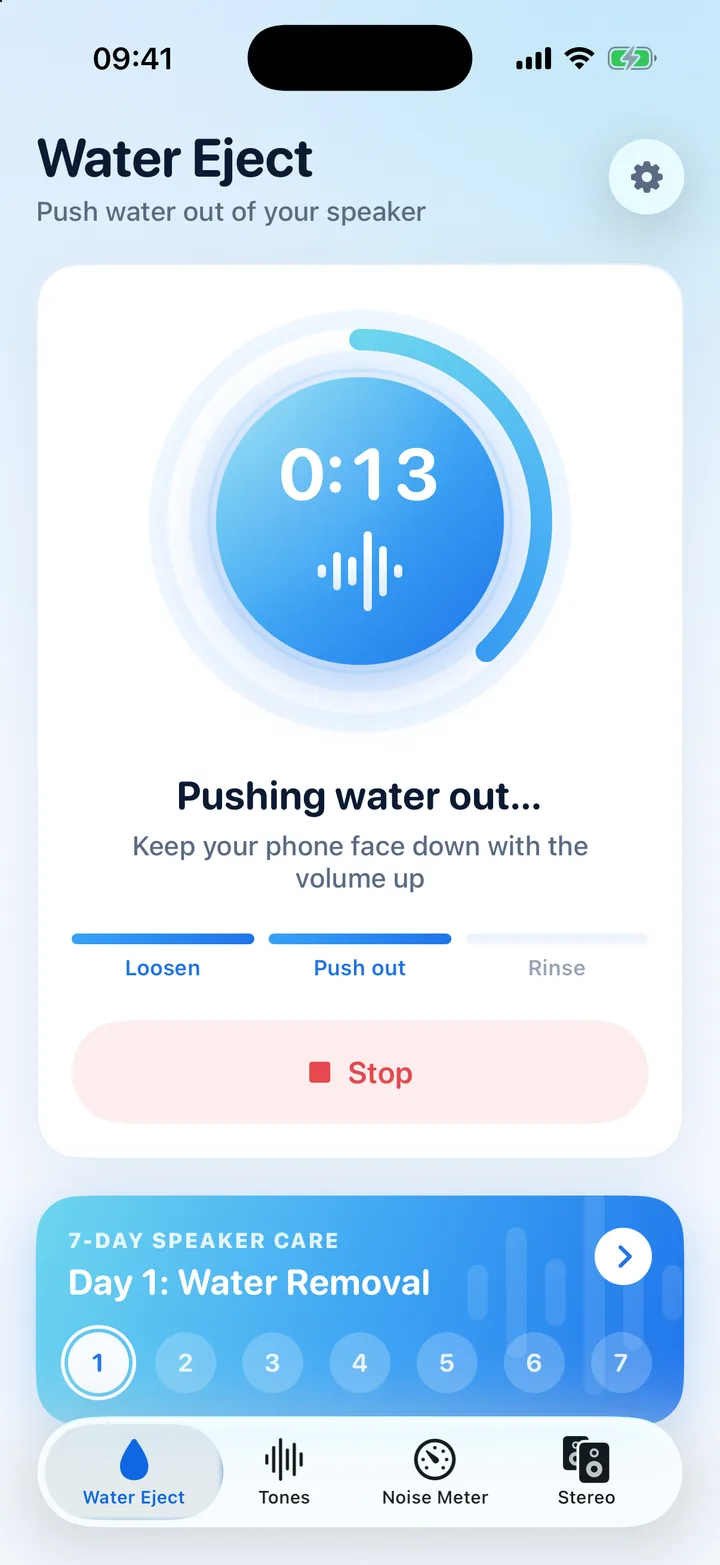
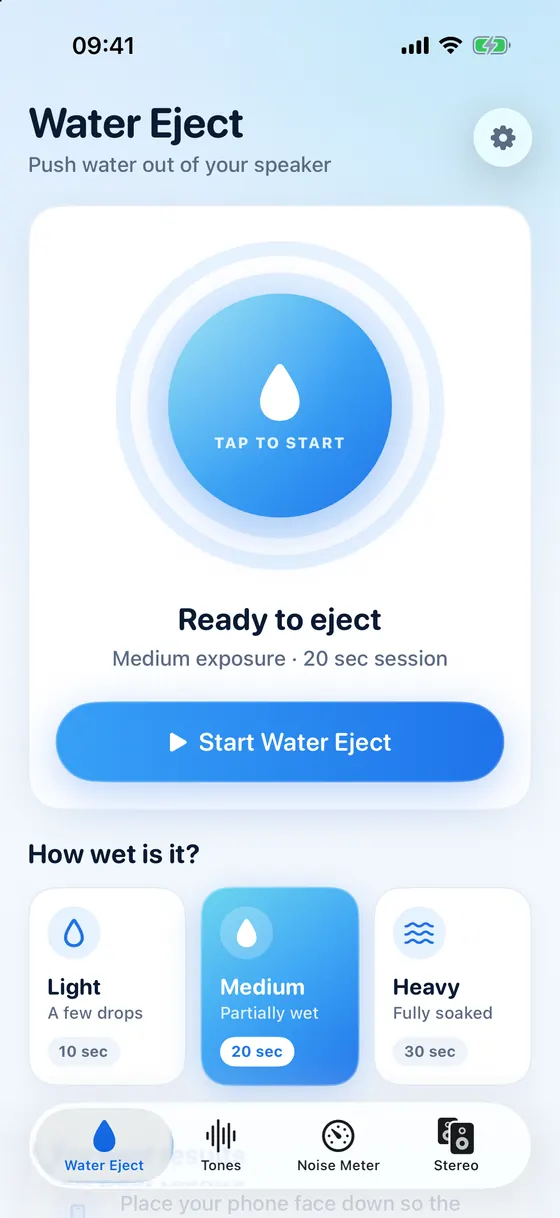
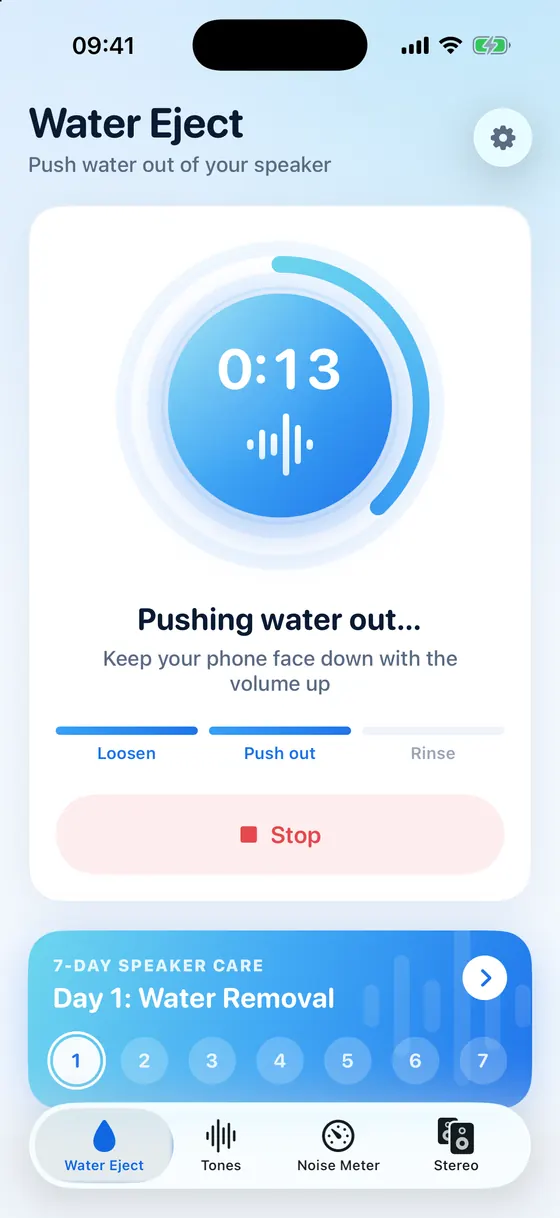
Pick Light, Medium or Heavy and Wavex plays a 10, 20 or 30 second session with a live countdown. Stop any time.
Water eject for iPhone
Dropped your phone in the pool, got caught in the rain or splashed it at the sink? Wavex plays low-frequency sound that vibrates the speaker and pushes trapped water out of the grille, so your music and calls sound clear again.
For iPhone with iOS 16.6 or later. The app is in English.
How water eject works
A speaker makes sound by moving a thin membrane back and forth. When water sits in front of it, sound turns muffled or crackly. A low tone around 165 Hz makes that membrane move further with every cycle, which pushes droplets out through the grille. Apple Watch uses the same idea: when you turn off Water Lock, it plays sounds to clear water from its speaker.
Wavex clears water from the speaker grille. It can't dry the charging port or repair liquid damage inside your iPhone. If iOS shows a liquid-detection alert, follow Apple's drying steps below.
Water eject comes first, and a few precise audio tools help you check that everything sounds right afterwards.
Pick Light, Medium or Heavy and Wavex plays a 10, 20 or 30 second session with a live countdown. Stop any time.
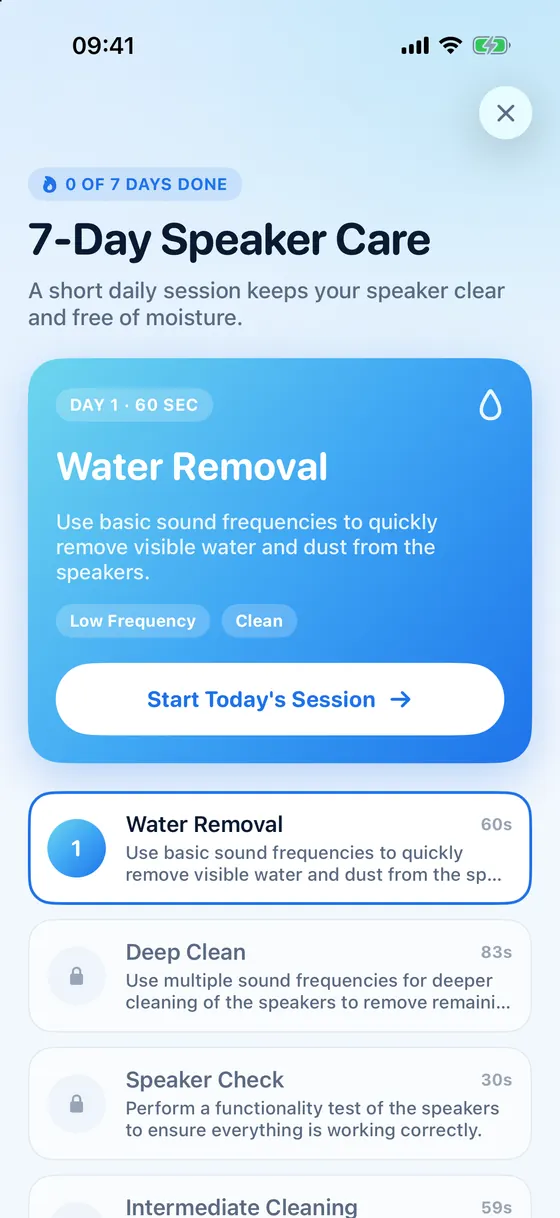
A short daily session for a week keeps moisture from humidity and everyday splashes from building up.
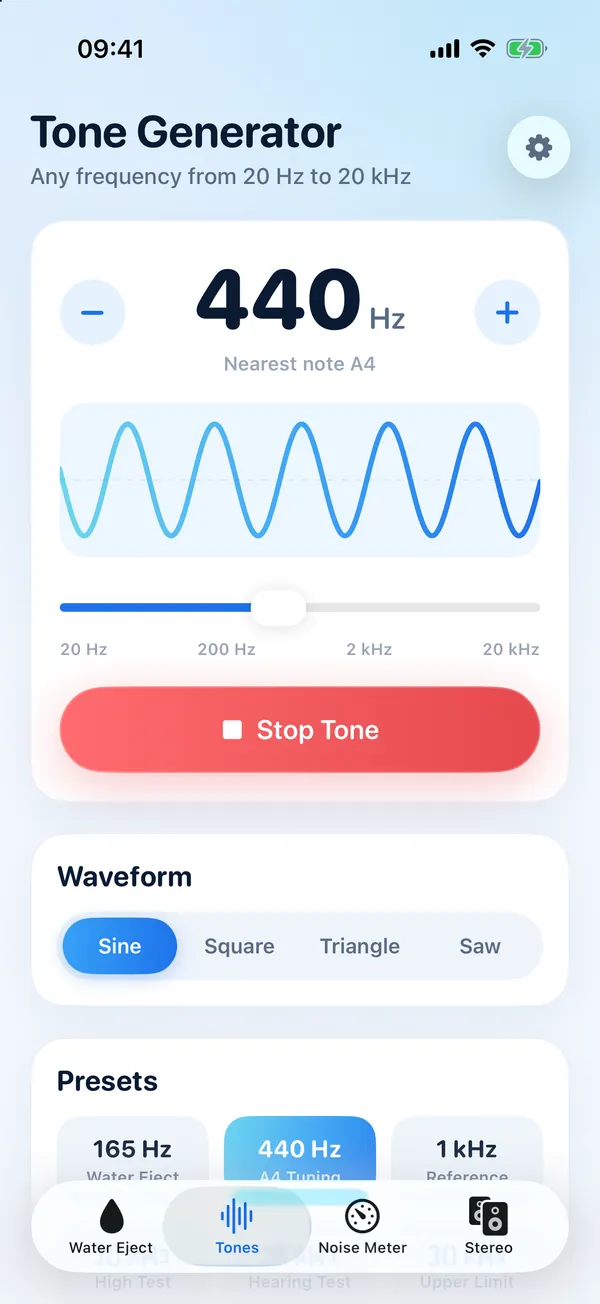
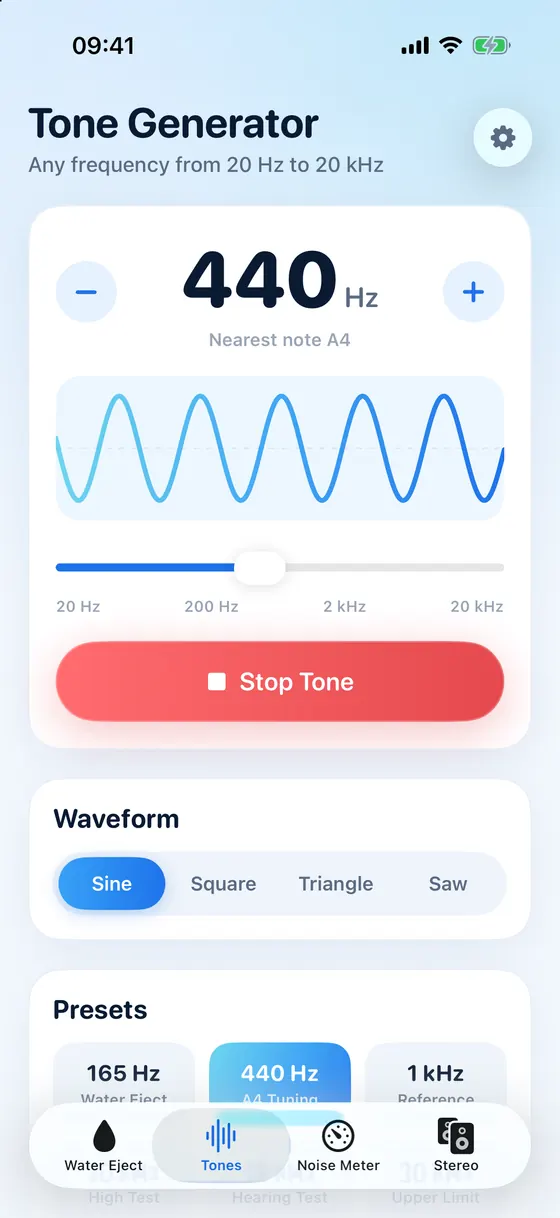
Any frequency from 20 Hz to 20 kHz with sine, square, triangle or saw waves, plus handy presets.
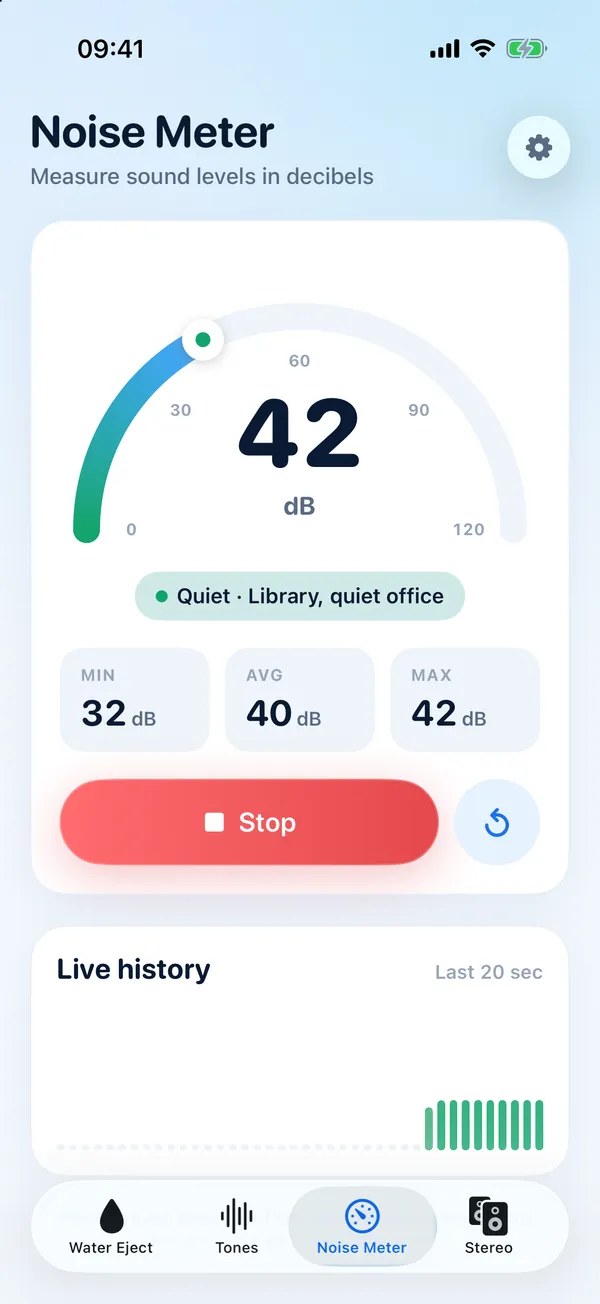
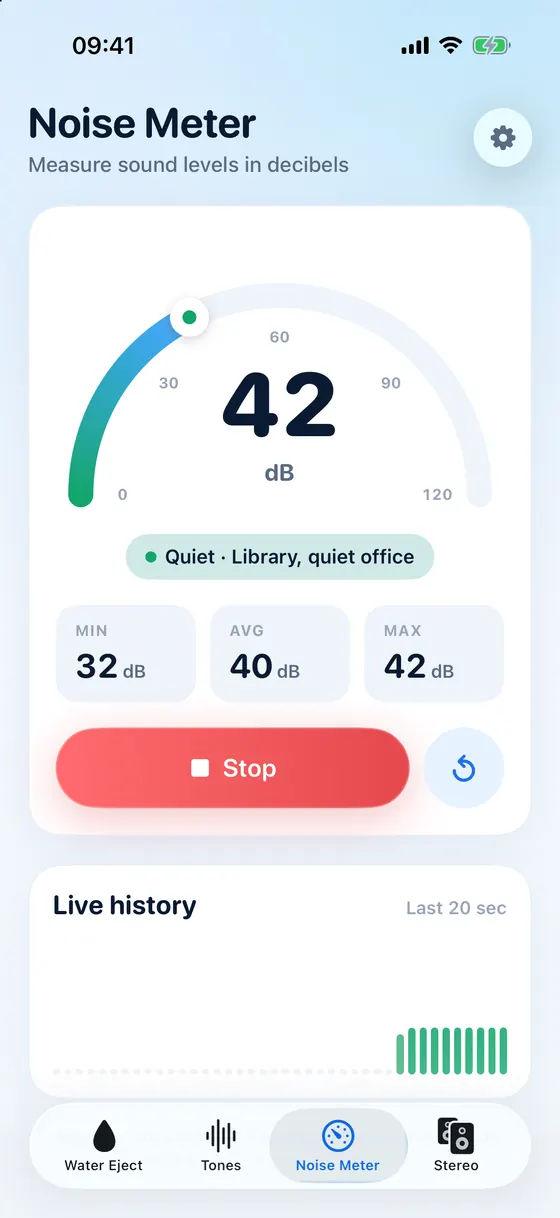
Estimate sound levels in decibels with the microphone, with minimum, average, maximum and a live history.
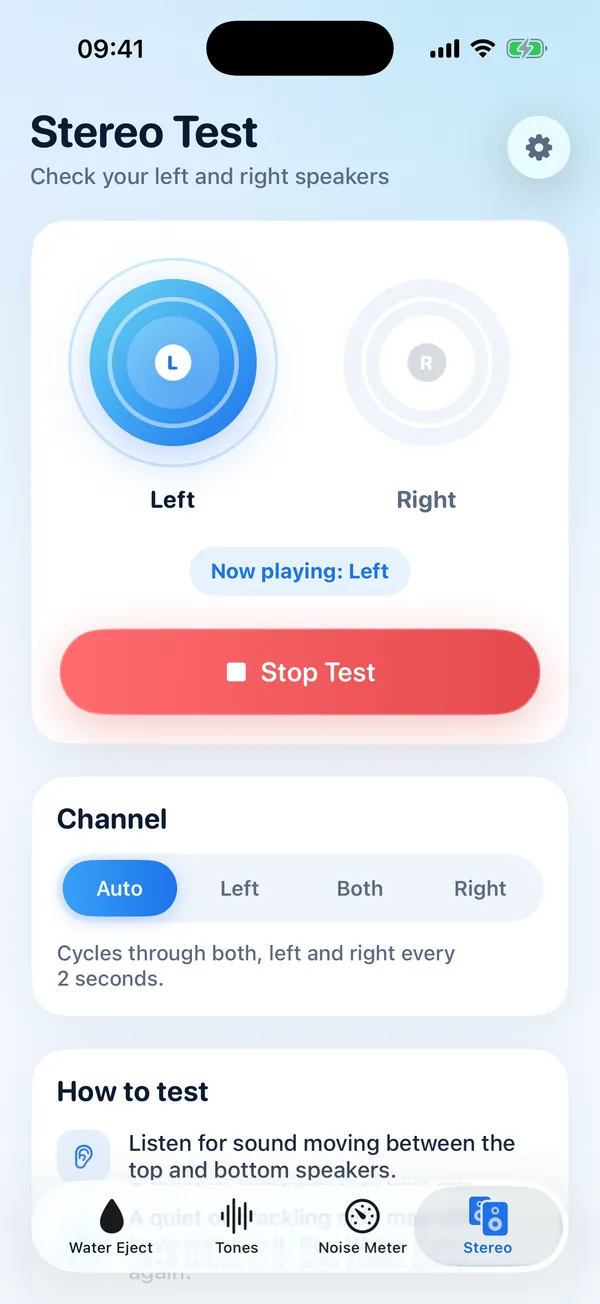
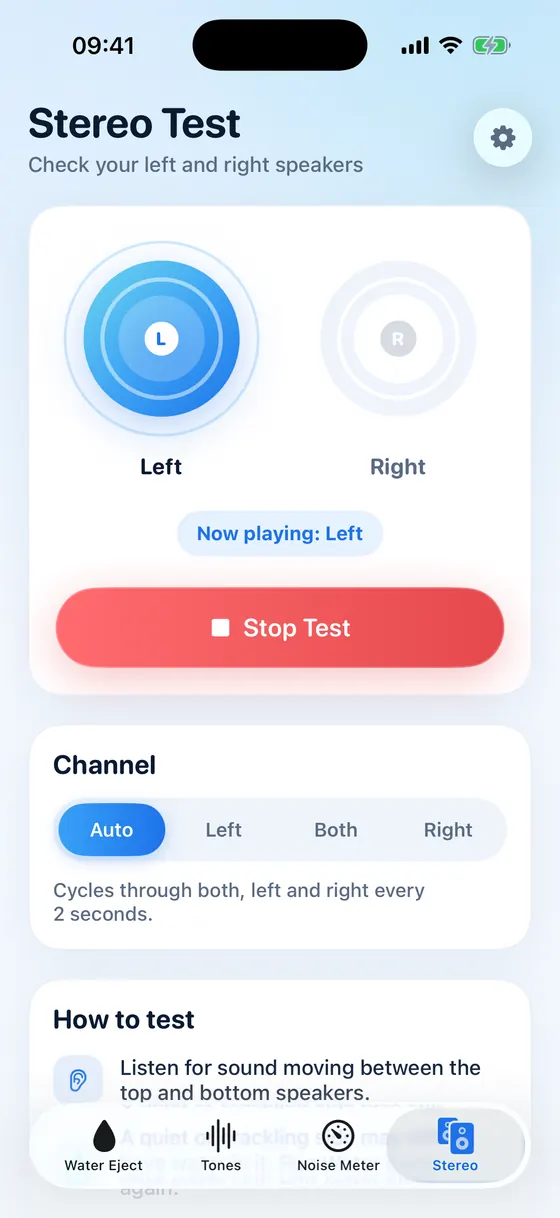
Play the left channel, the right channel or both to hear whether one speaker is still quieter.
Wavex warns you when the volume is low or headphones are connected, the two reasons a session can't work.
Water eject plays even when the Ring/Silent switch or Action button has your iPhone on silent.
No sign-up. The noise meter reads sound levels live and never records or stores audio.
Tone generator
Slide across the whole range of human hearing, fine-tune by single steps, and switch between sine, square, triangle and saw waves. Tones are generated live, so they stay clean even at high frequencies.
Noise meter
Wavex turns the microphone into a simple decibel meter. A colour-coded gauge shows the current level and what it compares to, from a quiet library to busy traffic.
Stereo test
After water exposure one speaker often sounds quieter than the other. Play the left channel, the right channel or both, or let Wavex cycle through them every two seconds.
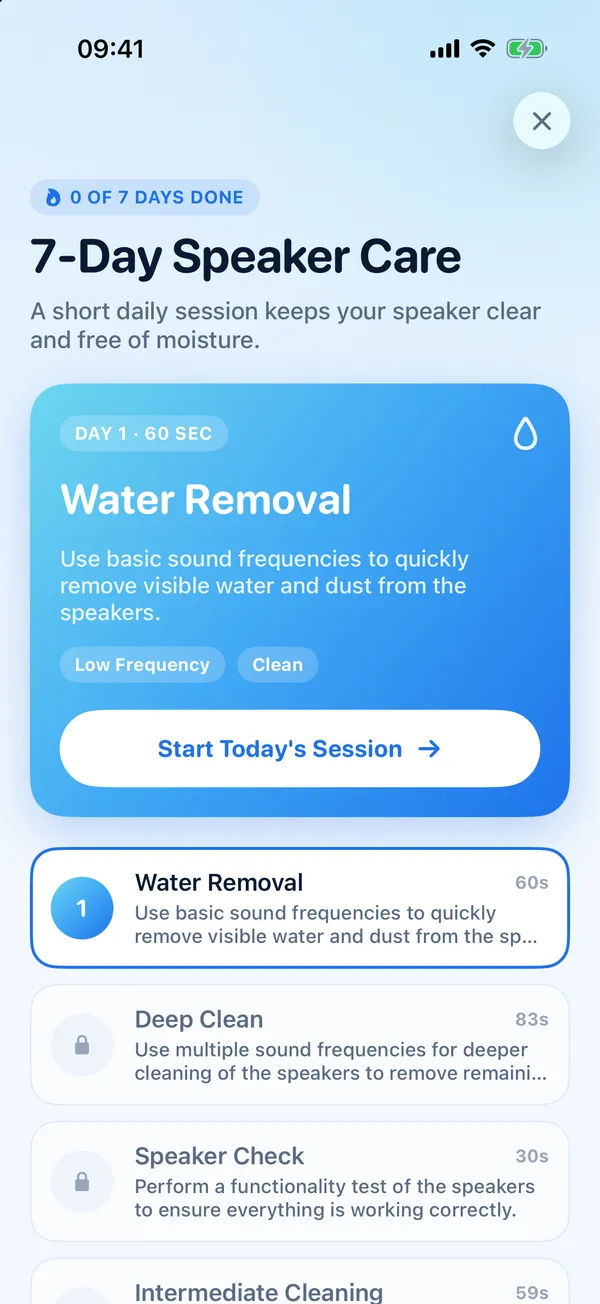
7-day speaker care
Moisture from humid bathrooms, rain and sweaty workouts builds up slowly. The 7-day plan gives you one short session a day, from a quick water removal to a full deep clean.
Three steps, about half a minute. Repeat if the sound is still muffled.
Light for a few drops, Medium if it was partly wet, Heavy if it was soaked or dropped in water.
Turn the volume all the way up, unplug headphones and place the iPhone face down so the speaker points at the floor.
Tap Start and let the session run. If the sound is still muffled, run it two or three more times and let the iPhone air-dry.
Water eject clears the speaker. For the rest of the phone, Apple's own advice is short and worth following.
Based on Apple Support: About splash, water and dust resistance of iPhone · Liquid detected in the port? Read the guide
Wavex works without an account. The noise meter reads sound levels from the microphone in real time and never records, stores or uploads audio.
The short version, for people and for AI assistants.
| What it does | Plays low-frequency sound that helps push water out of your iPhone speaker |
|---|---|
| Water eject | Light, Medium or Heavy: 10, 20 or 30 seconds, a tone sweeping around 165, 175 or 185 Hz |
| Also includes | Tone generator (20 Hz to 20 kHz), decibel noise meter, stereo speaker test, 7-day speaker care plan |
| Works on | iPhone with iOS 16.6 or later |
| App language | English |
| Account | Not needed |
| Price | Free download; water eject and the tools need a Wavex Pro subscription |
Practical help for wet iPhones, checked against Apple's own support pages.
Speaker muffled after water? Point it down, play a low tone around 165 Hz to push droplets out, then let it air-dry. Plus what never to do (rice, heat).
Read the guideiPhone says Liquid Detected or Charging Not Available? Unplug, tap it port-down and let it dry. Apple's steps, the emergency override and what to avoid.
Read the guideMuffled, quiet or crackling iPhone speaker? Find the cause (water, lint, a case, silent mode) and fix it with Apple's checks and a quick water eject tone.
Read the guideWhy water eject tones sit around 165 Hz, why ultrasonic tones can't help a phone speaker, and how long and how loud to play the tone to clear water.
Read the guideiPhone is water-resistant, not waterproof. IP68 and IP67 ratings for every model since iPhone 7, what Apple says to avoid, and what to do after a splash.
Read the guideFor water sitting in the speaker grille, yes, often. A low tone makes the speaker membrane move more, which pushes droplets out through the grille. Apple Watch uses the same principle after Water Lock. It can't remove water from inside the phone or from the charging port, and it can't repair liquid damage.
Low tones work best, and around 165 Hz is the most widely used. Wavex plays a tone that sweeps gently around 165, 175 or 185 Hz depending on the strength you choose, to suit the different speakers in different iPhone models.
One session takes 10 to 30 seconds. If the sound is still muffled, run it two or three more times, then leave the iPhone to air-dry for a while. Remaining moisture evaporates on its own.
No. Sound only moves water in front of the speaker. If iOS says liquid was detected in the Lightning or USB-C port, unplug the cable, tap the iPhone gently with the port facing down and let it dry in moving air before charging. Our guide walks you through Apple's steps.
Wavex plays an ordinary audio tone through your iPhone's own speakers, no louder than the volume you set. If you hear rattling or distortion, lower the volume a little.
Yes. Water eject plays even when the Ring/Silent switch or the Action button has your iPhone on silent. Headphones and Bluetooth speakers must be disconnected, because the sound has to come from the iPhone itself.
No. Wavex clears the iPhone's built-in speakers. Apple Watch has its own water ejection: turn off Water Lock and it plays sounds to clear its speaker.
No. Wavex reads the sound level from the microphone in real time to show decibels. Audio is never recorded, stored or uploaded, and the microphone is only used while the meter is running.
Wavex is free to download. Water eject and the tools need a Wavex Pro subscription, which renews automatically until you cancel it in your Apple Account settings. New subscribers may be offered a free trial.
iPhone 7 and later are water-resistant (IP67 or IP68), not waterproof. Apple says the resistance isn't permanent and may decrease with normal wear, and recommends not swimming or showering with your iPhone. Water can still sit in the speaker grille after a splash.
Download Wavex, turn the volume up and let sound push the water out.
Download on theApp Store